What you'll need to complete the course and launch your show on ximalaya.com
1. You need a valid passport
We know this stings! This is a new requirement as of May 2018. Ximalaya has decided that they will want to verify your identity BEFORE allowing you to upload audio or video content to their platform.
But think of it this way - because of this added step, many people may choose not to share their shows on Ximalaya and hence lower your competition to reaching the Chinese audience.
For podcasters outside of China, the only option that's available is using their passports.
If you live in the USA, you could go to a local Post Office (USPS) to apply for one. Here's the link: https://www.usps.com/international/passports.htm
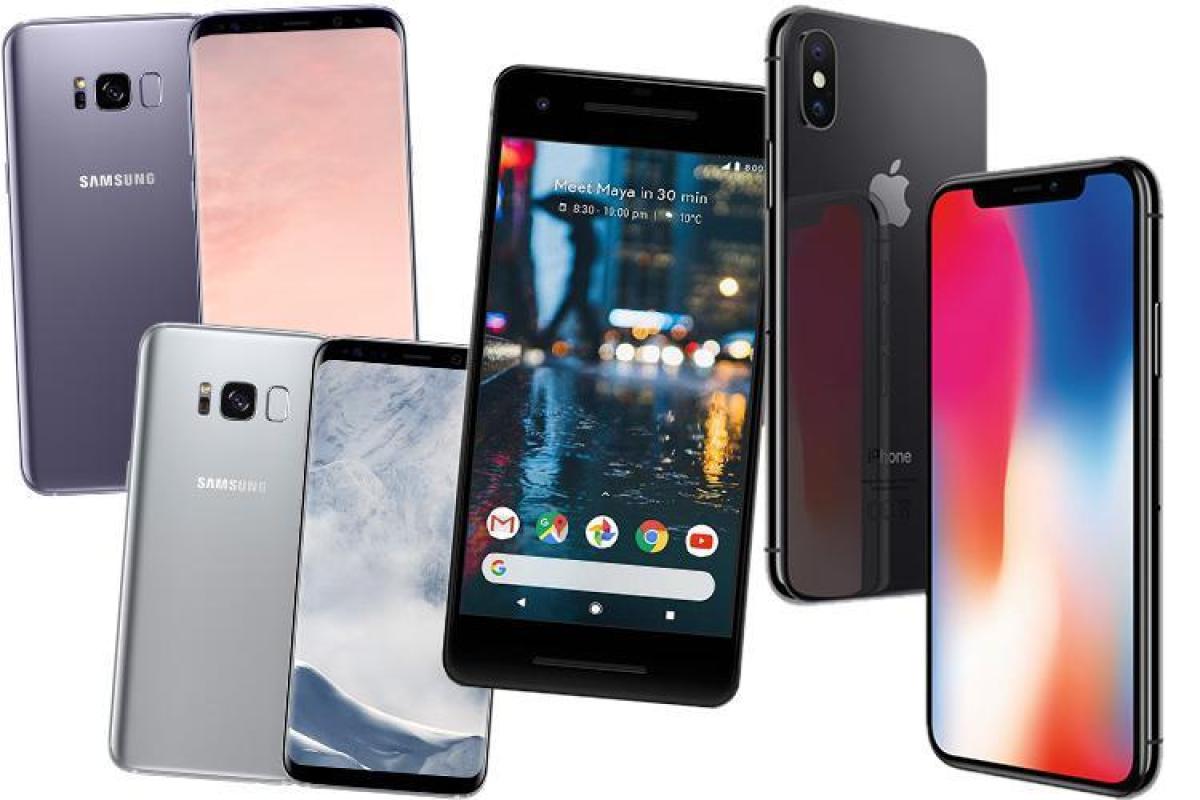
2. You need an iOS or Android mobile phone (iOS or Android) that is able to download the WeChat app
WeChat on iOS: https://itunes.apple.com/us/app/wechat/id414478124?mt=8
WeChat on Android (Google Play Store): https://play.google.com/store/apps/details?id=com.tencent.mm&hl=en_US
3. You need to download the Google Chrome browser and the Google Translate plug-in
Google Chrome can be downloaded via https://www.google.com/chrome/
We recommend that you use Google Chrome because the Translation plug-in works quite well. Though Safari has a similar plug-in, we find that it isn't as user-friendly as Google Translate
Google Translate plugin can be downloaded via https://chrome.google.com/webstore/detail/google-translate/aapbdbdomjkkjkaonfhkkikfgjllcleb?hl=en
Thank you for choosing to learn with us! Please be open-minded & have fun along the way.
Ready. Set. Go!